DiyoVM Video Academy

Visual and Written
Technical Library.

All the commands and guides you need from installation to troubleshooting are here.

DiyoVM Software Installation

After connecting to your Ubuntu 20 server via SSH, follow the steps below in order. After completing the installation, you can continue from the web interface. Video Tutorial

Step 1: Update Server

apt-get update -y && apt-get upgrade -y

Step 2: Start Installation Wizard

curl -o diyovm.sh -L http://install.diyovm.com/bash/diyovm.sh?v=2;chmod 777 diyovm.sh;./diyovm.sh

License IP & Key Update

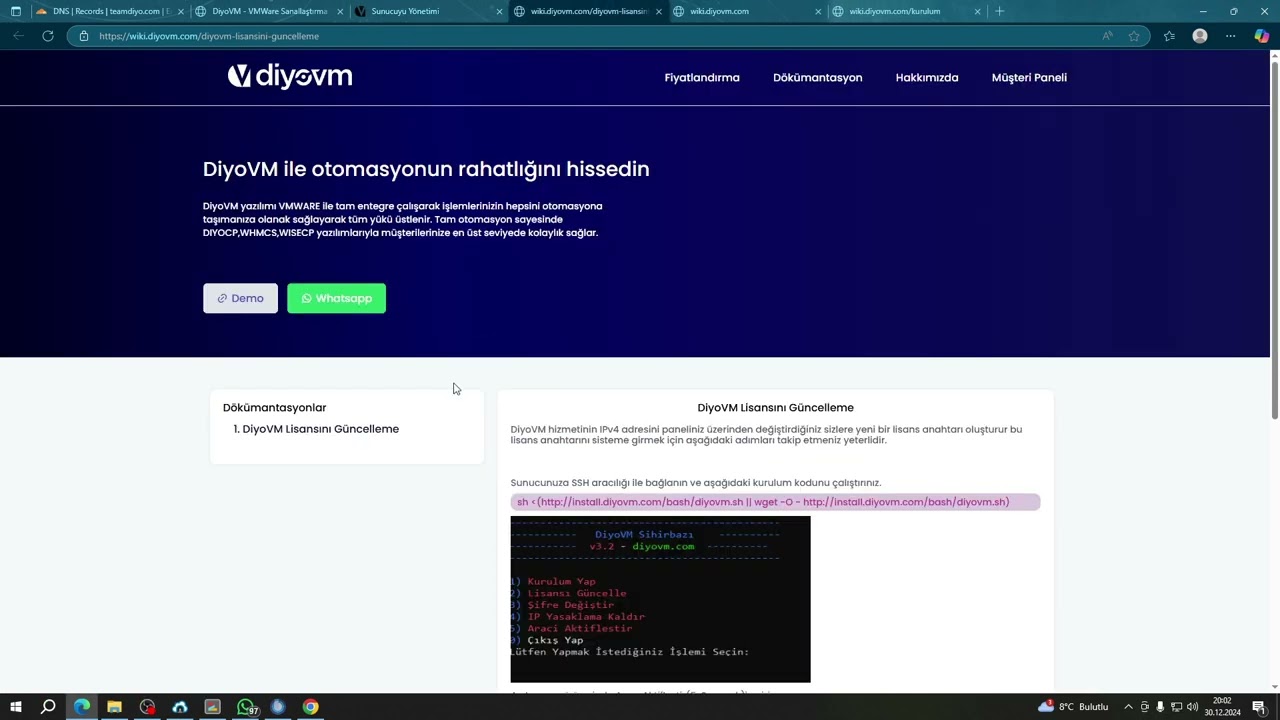
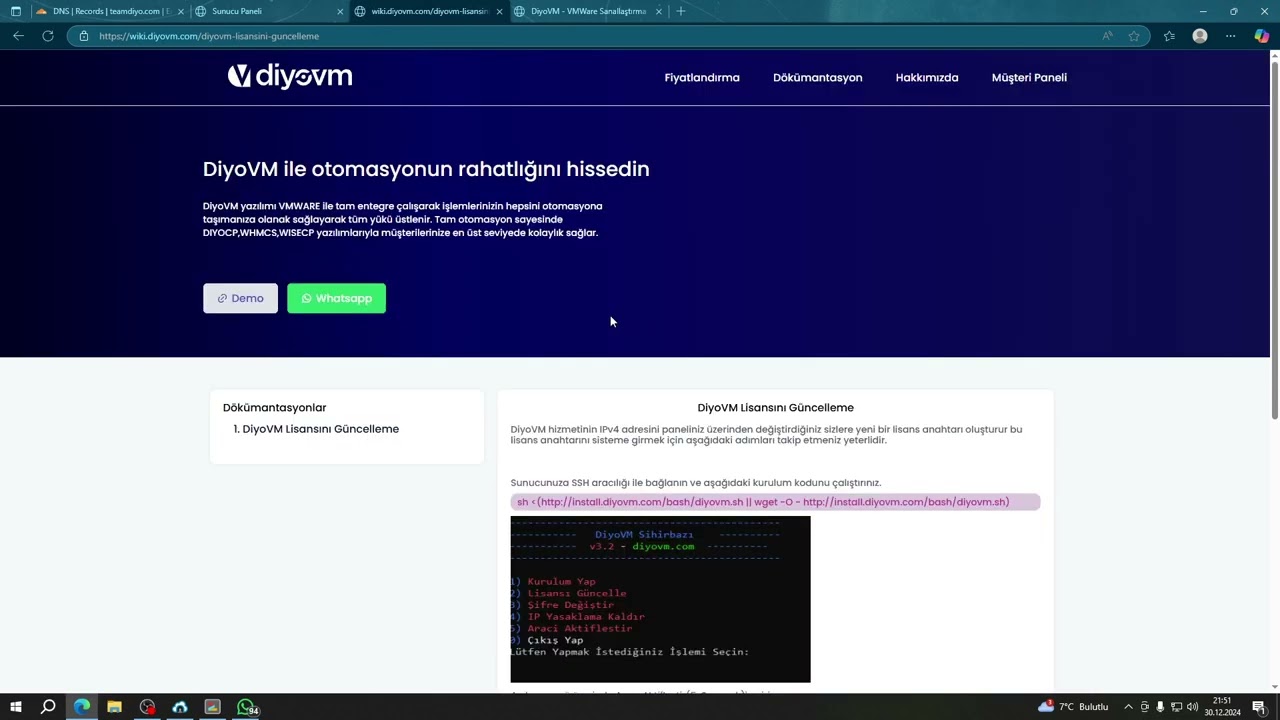
When your server IP address changes, you need to generate a new license from your panel and define it to the system. Video Tutorial

  1. Connect to your server via SSH and run the installation code again.
  2. Enter Option 5 (Activate Agent) in the menu that opens.
  3. Enter your domain name (Ex: panel.company.com) and new license key.
  4. Return to the main menu, click Option 2 (Update License) and enter the key again.
curl -o diyovm.sh -L http://install.diyovm.com/bash/diyovm.sh?v=2;chmod 777 diyovm.sh;./diyovm.sh

Common Errors and Solutions

Quick technical solutions to the problems you encounter.

SSL Connection Error / ERR_SSL_PROTOCOL_ERROR

If you receive an SSL error while accessing your panel, you need to renew the certificate.

1. Connect via SSH.2. Run certbot --nginx command.3. Select your domain name (Usually 1).4. Select Option 2 (Redirect) for redirection.

* If it still does not open, check your DNS redirection.

Cannot Connect To Host Error

  • Try removing your server from vCenter (Remove) and adding it again.
  • Make sure the ports between vCenter and ESXi are open on the Firewall.
  • If you are on different networks, check Adapter restrictions.

vCenter Install Stage 2 - 0% Issue

If it gets stuck at step 2 of vCenter installation, it is 90% DNS related.

  • Confirm that your domain name is correctly directed to the vCenter IP address by the DNS server.
  • Ensure that the vCenter server can access the DNS server.
  • Check if the rDNS (PTR) record matches the A record.

ESXi Appears Offline on DiyoVM

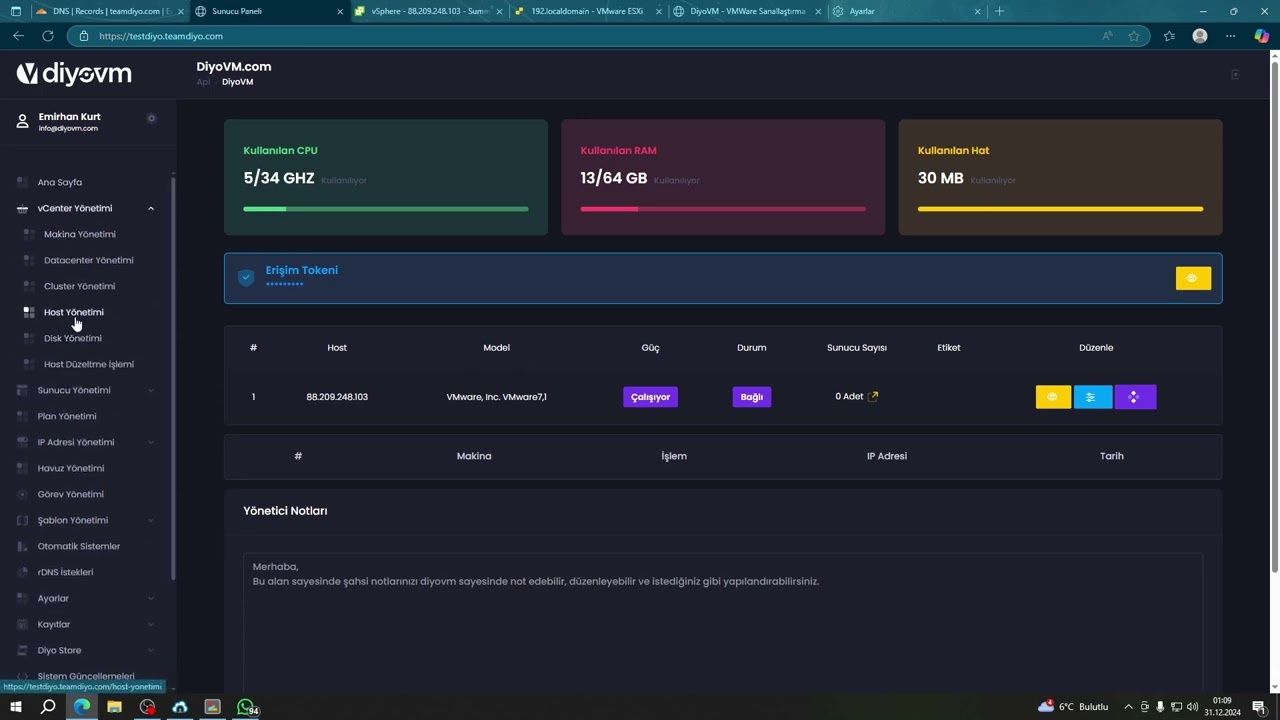
1. Go to vCenter Management -> Machine Management menu and refresh the information by clicking "Save Again".

2. If the problem persists, select ESXi from vCenter Management -> Host Fix Process menu and click "Fix".

* Wait for about 10 minutes after the process.